 Your Success, Our Priority: Our team is here to assist you!

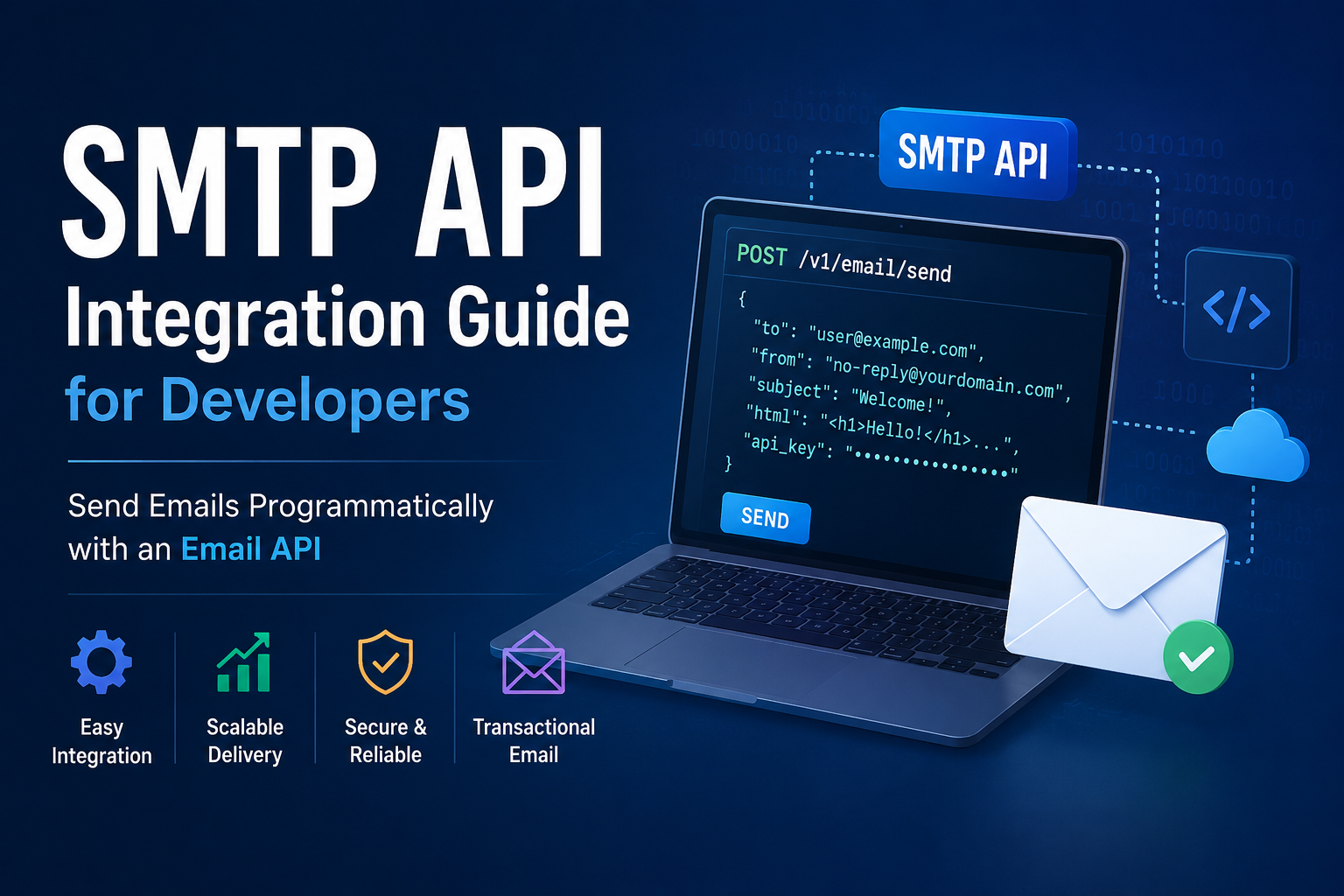
Email remains one of the most important communication channels for modern applications. Whether you’re building user registration flows, password reset systems, OTP verification, invoice notifications, or order confirmations, reliable email delivery is essential.
Traditionally, developers used SMTP servers to send emails. Today, many applications prefer using an SMTP API because it offers easier integration, better scalability, improved monitoring, and faster implementation.
In this guide, you’ll learn what an SMTP API is, how it differs from traditional SMTP integration, and how developers can integrate an Email API into modern applications.
What Is an SMTP API?
An SMTP API is a programmatic interface that allows applications to send emails through HTTP or HTTPS requests instead of directly communicating with an SMTP server.
Rather than managing SMTP connections, authentication sessions, and email formatting manually, developers can send messages by making API calls from their applications.
Most modern email delivery platforms offer both SMTP and API-based sending methods, giving developers flexibility based on their infrastructure and requirements.
SMTP API vs SMTP Server: What’s the Difference?
| Feature | SMTP API | SMTP Server |
|---|---|---|
| Protocol | HTTP/HTTPS | SMTP |
| Integration Method | REST API Requests | SMTP Credentials |
| Error Handling | Detailed JSON Responses | SMTP Status Codes |
| Scalability | Highly Scalable | Traditional Approach |
| Monitoring | Advanced Tracking | Requires Additional Tools |
| Developer Experience | Modern & Fast | More Configuration Required |
While SMTP remains widely supported, many developers choose Email APIs because they simplify development workflows and provide richer reporting capabilities.
Why Developers Use an Email API
1. Simple Integration
Email APIs use standard HTTP requests, making integration straightforward across modern programming languages and frameworks, including:
- PHP
- Laravel
- Node.js
- Python
- Django
- Ruby on Rails
- Java
- .NET
2. Better Error Handling
API responses typically include detailed information about authentication failures, invalid recipients, and delivery issues, making troubleshooting easier.
3. Faster Development
Developers can send emails directly from application logic without manually managing SMTP connections.
4. Improved Scalability
As applications grow, Email APIs can efficiently handle increasing volumes of transactional email traffic.
Common SMTP API Use Cases
SMTP APIs are commonly used for:
- User registration emails
- Email verification
- Password reset emails
- One-Time Passwords (OTP)
- Order confirmations
- Payment receipts
- Invoice delivery
- Shipping notifications
- System alerts
- Application notifications
These messages are generally categorized as Transactional Email because they are triggered by user actions or system events.
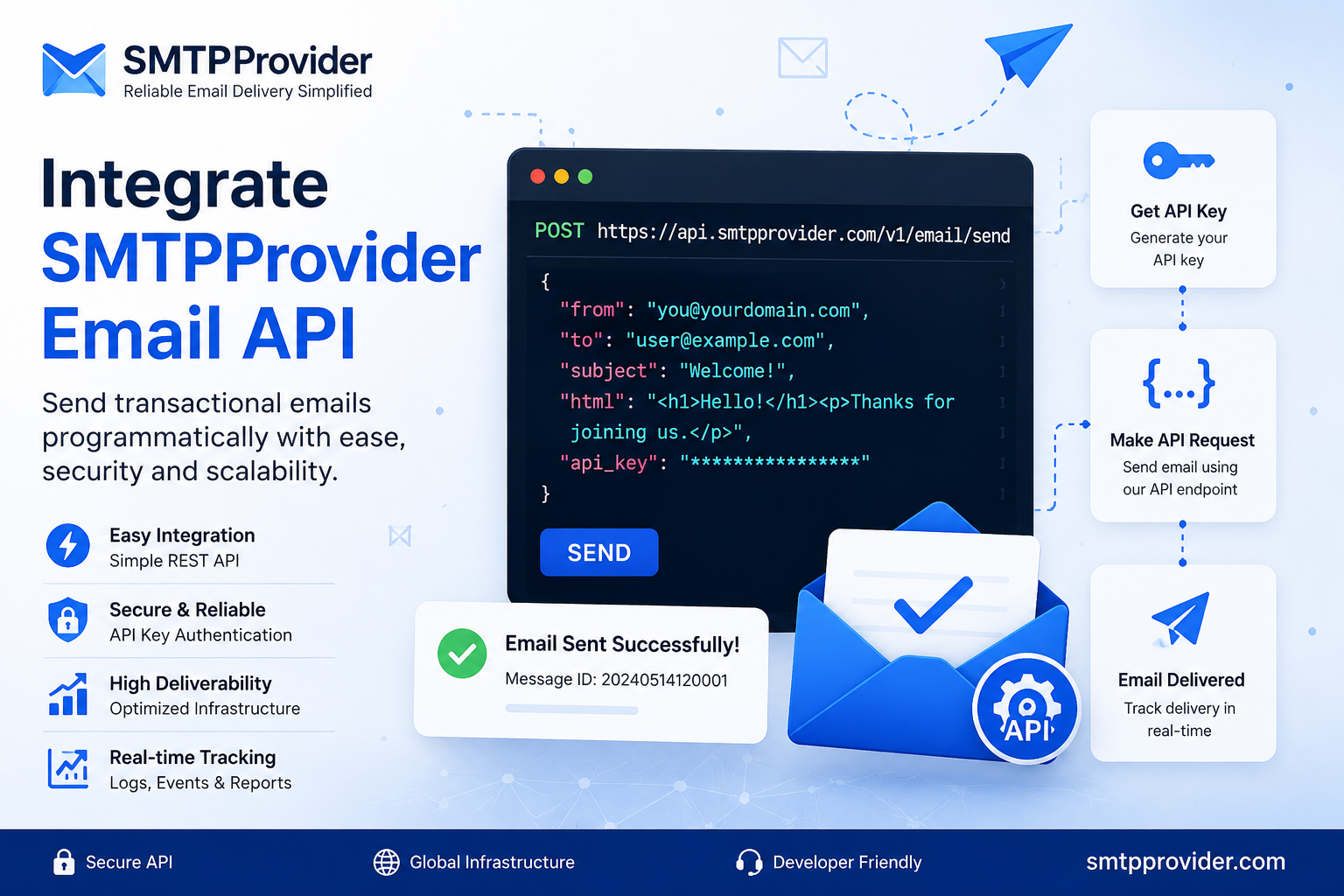
How to Integrate SMTPProvider Email API
SMTPProvider offers a developer-friendly Email API that enables applications to send emails programmatically.
Step 1: Create an Account
Create an SMTPProvider account and generate your API token from the dashboard.
Step 2: Review the API Documentation
Before implementation, review the complete API documentation:
SMTPProvider API Documentation
Step 3: Configure Request Parameters
A typical Email API request includes:
- Recipient Email Address
- Sender Email Address
- Sender Name
- Email Subject
- HTML Message Body
- API Authentication Token
Step 4: Send the Request
Your application submits the request to the SMTPProvider API endpoint using HTTPS.
Step 5: Process the Response
Successful responses typically include a message identifier, while errors contain detailed troubleshooting information.
Best Practices for SMTP API Integration
Authenticate Your Domain
Configure the following authentication records:
- SPF
- DKIM
- DMARC
Proper authentication helps improve email deliverability and sender reputation.
Use Verified Sender Addresses
Always send emails from verified domains and authorized email addresses.
Implement Retry Logic
Temporary network or provider issues can occur. Retry mechanisms help ensure message delivery.
Monitor Email Activity
Track message IDs, delivery logs, bounce reports, and engagement metrics.
Separate Transactional and Marketing Email
Maintaining separate sending practices helps preserve sender reputation and inbox placement rates.
When Should You Use SMTP Instead of an Email API?
Traditional SMTP may be a better choice when:
- Legacy applications only support SMTP authentication.
- Third-party software requires SMTP credentials.
- You want minimal code modifications.
For businesses that require SMTP connectivity, a dedicated SMTP Server solution can provide reliable email delivery while maintaining compatibility with existing applications.
Additional Resources
Conclusion
SMTP APIs provide developers with a modern, scalable, and efficient way to send transactional emails from applications. Compared to traditional SMTP integration, Email APIs simplify development, improve monitoring, and deliver better visibility into email delivery performance.
Whether you’re sending password resets, OTPs, invoices, alerts, or account notifications, implementing an Email API can significantly streamline your email infrastructure.
Frequently Asked Questions (FAQ)
What is an SMTP API?
An SMTP API allows developers to send emails using HTTP or HTTPS requests instead of connecting directly to an SMTP server. It simplifies email integration and provides enhanced tracking and error reporting.
What is the difference between an SMTP API and an SMTP Server?
An SMTP API uses RESTful HTTP requests to send emails, while an SMTP Server uses the SMTP protocol. APIs typically offer easier integration, detailed responses, and improved monitoring capabilities.
Why should developers use an Email API?
Email APIs simplify development, provide better error handling, improve scalability, and allow developers to integrate email functionality into applications using standard HTTP requests.
Can I send transactional emails using an SMTP API?
Yes. SMTP APIs are commonly used for transactional emails such as account verification, password resets, order confirmations, invoices, OTPs, and system notifications.
How do I get started with SMTPProvider Email API?
Create an SMTPProvider account, generate an API token, review the API documentation, configure your request parameters, and begin sending emails through the API endpoint.