 Your Success, Our Priority: Our team is here to assist you!

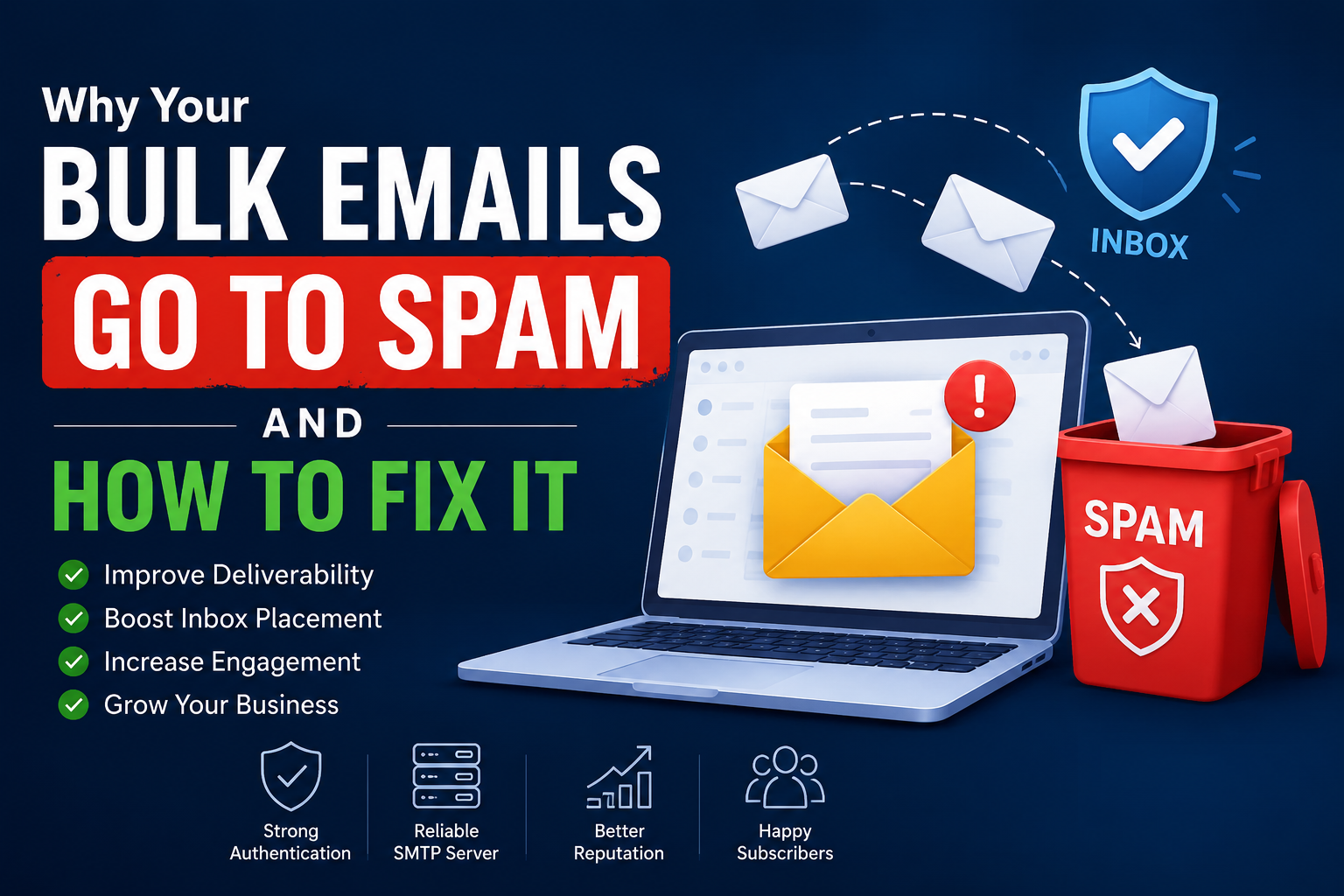
You’ve spent hours creating the perfect email campaign. The design looks great, the offer is compelling, and your audience is ready to hear from you. But after sending thousands of emails, the results are disappointing. Open rates are low, clicks are almost nonexistent, and many recipients never see your message.
The reason is often simple: your bulk emails go to spam instead of the inbox.
Email spam filtering has become increasingly sophisticated. Internet Service Providers (ISPs), mailbox providers, and security systems constantly evaluate every email sent across the internet. If your sender reputation, authentication, content, or infrastructure raises concerns, your emails may be filtered before recipients ever see them.
Fortunately, email deliverability issues can be fixed. Understanding why bulk emails are landing in spam folders is the first step toward improving inbox placement and campaign performance.
Why Bulk Emails Go to Spam
There is rarely a single reason behind spam folder placement. Most deliverability problems occur because of several factors working together.
1. Poor Sender Reputation
Your sender reputation acts like a credit score for email. Mailbox providers track your sending history, complaint rates, bounce rates, and engagement levels.
If recipients frequently ignore, delete, or mark your emails as spam, providers may decide your messages are unwanted and begin filtering future campaigns.
A damaged sender reputation is one of the most common reasons bulk emails go to spam.
2. Missing Email Authentication Records
Email authentication helps prove that your messages are legitimate and not forged by cybercriminals.
Without properly configured SPF, DKIM, and DMARC records, mailbox providers may question the authenticity of your emails and place them in spam folders.
Modern email systems expect authentication as a standard security requirement.
3. Sending from Shared Infrastructure
When multiple senders use the same IP address, the actions of one sender can impact everyone else.
If another user on a shared IP sends spam or receives complaints, the IP reputation may suffer. As a result, even legitimate senders can experience inbox placement issues.
Many high-volume senders improve results by using a dedicated sending environment with a dedicated IP.
4. High Bounce Rates
Sending emails to invalid, outdated, or purchased email lists creates hard bounces.
Mailbox providers view excessive bounces as a sign of poor list management. This can reduce trust in your domain and negatively impact future campaigns.
Regular list cleaning is essential for maintaining strong deliverability.
5. Spam Trigger Words and Poor Content Quality
Although content alone rarely causes spam placement, it still plays an important role.
Overusing promotional language such as:
- 100% Free
- Guaranteed Income
- Act Now
- Limited Time Offer
- Risk-Free
can increase spam risk when combined with other deliverability issues.
Excessive capitalization, misleading subject lines, and image-only emails can also trigger spam filters.
6. Low Engagement Rates
Mailbox providers monitor how recipients interact with your emails.
If subscribers consistently ignore your campaigns, providers may conclude that your messages are unwanted.
Low open rates, low click-through rates, and high delete rates can gradually reduce inbox placement.
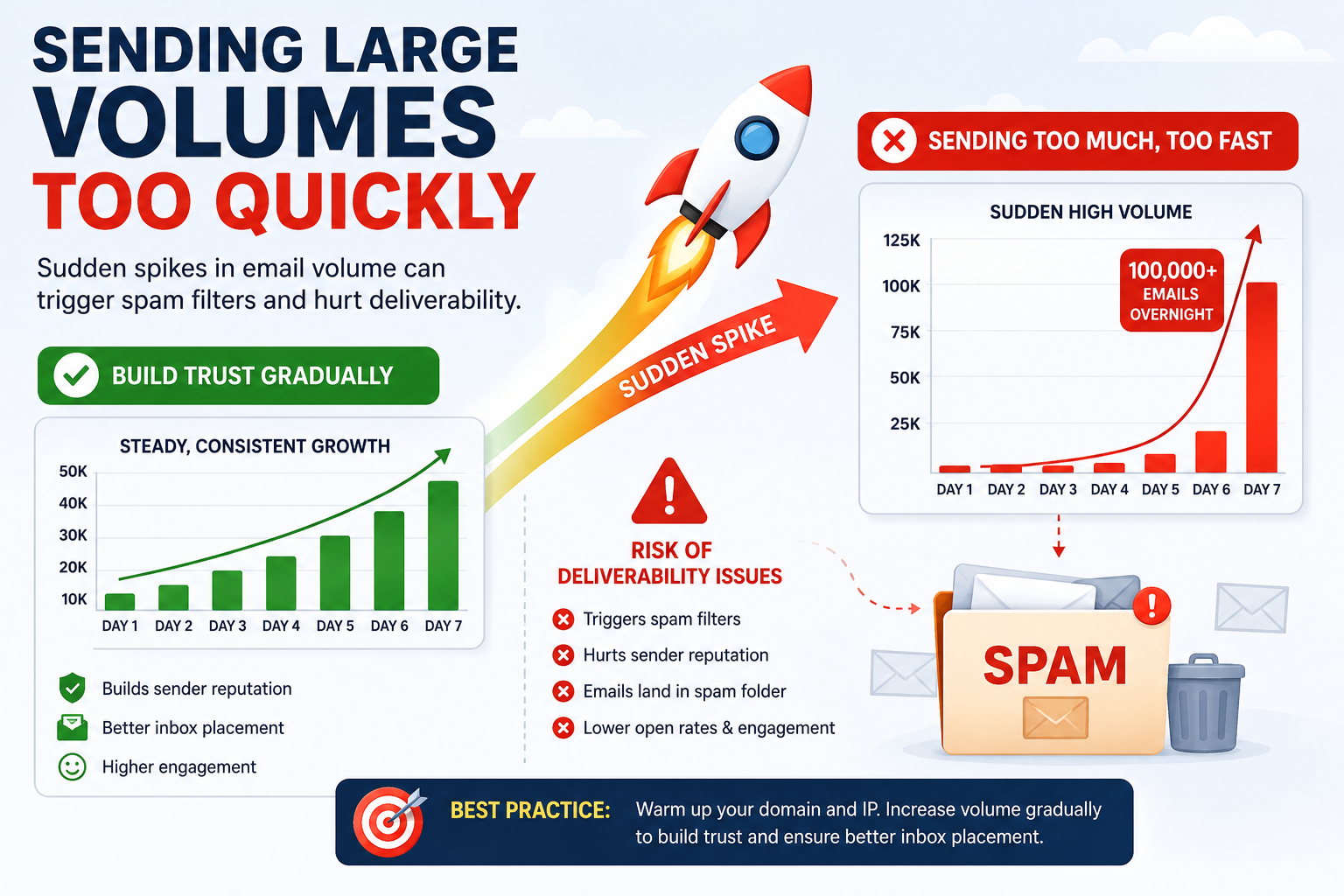
7. Sending Large Volumes Too Quickly
Sudden spikes in sending volume often look suspicious.
If a domain normally sends 500 emails per day and suddenly sends 100,000 emails, providers may temporarily limit delivery or route messages to spam.
Proper IP warming and gradual scaling help establish trust over time.
How to Fix Bulk Email Spam Problems
If your bulk emails go to spam, focus on improving both your technical setup and sending practices.
Authenticate Your Domain
Configure SPF, DKIM, and DMARC records correctly.
Authentication verifies your identity and significantly improves mailbox provider trust.
Use a Reliable SMTP Service
Your email infrastructure plays a major role in inbox placement.
Using a professional SMTP server helps ensure stable delivery, proper reputation management, and improved sending performance.
Maintain a Clean Email List
Remove inactive subscribers, invalid addresses, and bounced emails regularly.
Sending to engaged recipients improves sender reputation and reduces spam complaints.
Monitor Engagement Metrics
Track opens, clicks, unsubscribes, and complaint rates.
Segment inactive users and create re-engagement campaigns before removing them from your lists.
Warm Up New Domains and IP Addresses
New sending domains and IPs have no reputation history.
Start with smaller volumes and gradually increase daily sends to build trust with mailbox providers.
Optimize Email Content
Focus on creating relevant, personalized messages.
- Write honest subject lines.
- Avoid excessive promotional language.
- Balance text and images.
- Include a visible unsubscribe option.
- Provide value to recipients.
Engaging content naturally generates positive interactions that improve deliverability.
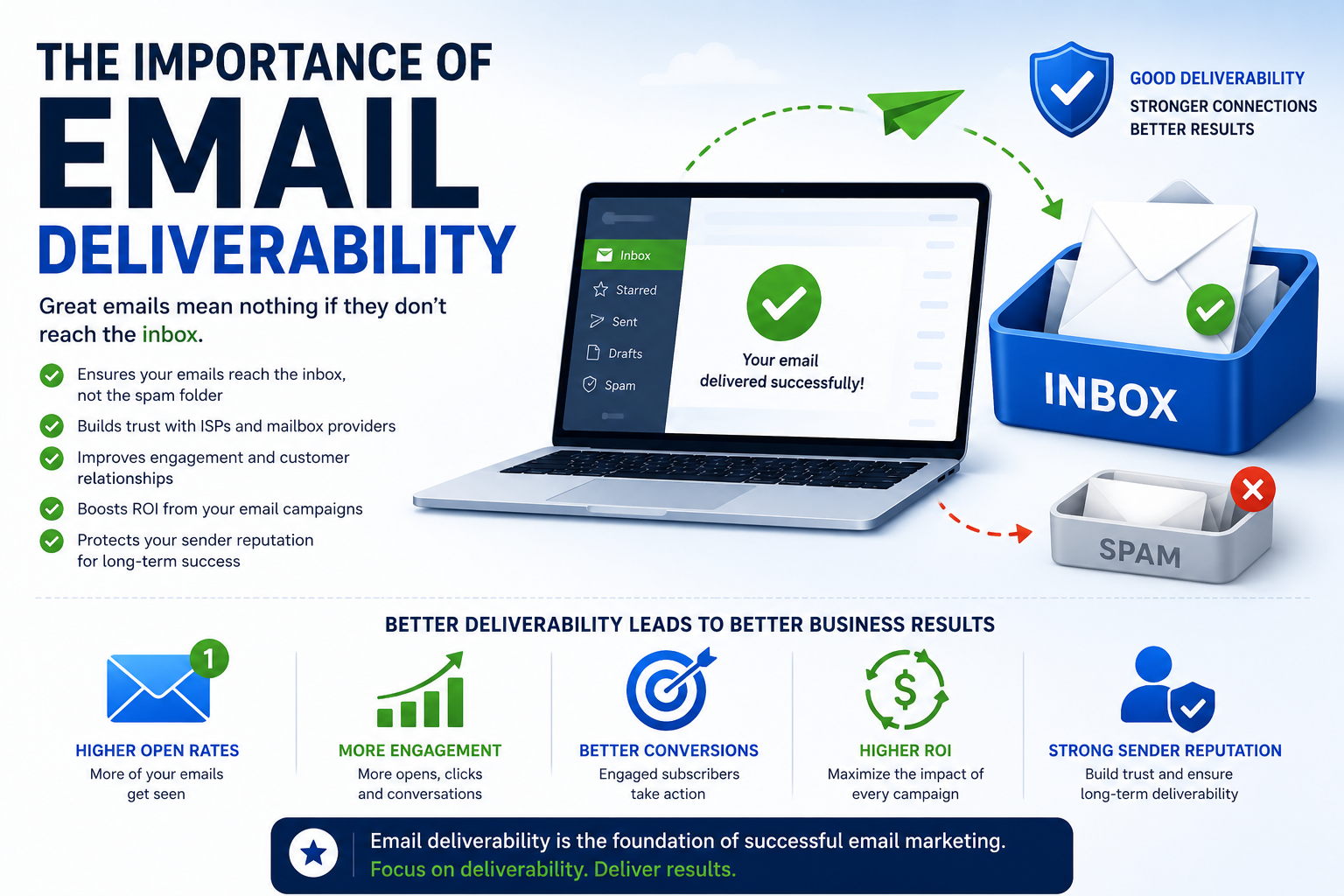
The Importance of Email Deliverability
Many businesses focus heavily on email design and marketing strategy but overlook inbox placement.
If emails never reach the inbox, even the best campaign cannot generate results.
Monitoring and improving deliverability should be an ongoing process. Strong deliverability improves open rates, engagement, conversions, and overall return on investment.
How SMTPProvider Helps Improve Inbox Placement
SMTPProvider is designed to help businesses achieve higher inbox placement rates through reliable email infrastructure and deliverability-focused solutions.
Key benefits include:
- High-performance SMTP infrastructure
- Dedicated IP options
- Domain authentication support
- Reputation monitoring
- Scalable email delivery
- Expert deliverability guidance
By combining proper sending practices with a trusted email platform, businesses can significantly reduce spam placement and improve campaign performance.
Conclusion
When bulk emails go to spam, the problem is rarely caused by a single issue. Sender reputation, authentication, list quality, infrastructure, engagement, and content all influence inbox placement.
The good news is that most deliverability issues can be resolved with the right strategy. By authenticating your domain, maintaining clean email lists, using reliable sending infrastructure, and monitoring engagement metrics, you can improve inbox placement and maximize the effectiveness of every email campaign.
Frequently Asked Questions
Why do bulk emails go to spam even with a clean email list?
Even with a clean list, issues such as poor sender reputation, missing authentication records, low engagement rates, or weak infrastructure can cause emails to land in spam folders.
How can I check if my emails are going to spam?
You can monitor inbox placement using deliverability testing tools, seed testing platforms, and email analytics that track engagement and delivery performance.
Does a dedicated IP help prevent spam placement?
Yes. A dedicated IP gives you full control over your sending reputation and protects your campaigns from the actions of other senders sharing the same IP.
What authentication records are required for email deliverability?
The most important authentication methods are SPF, DKIM, and DMARC. Together they help verify your identity and improve trust with mailbox providers.
How long does it take to improve email deliverability?
The timeline depends on the severity of the issue. Some improvements can be seen within days, while rebuilding a damaged sender reputation may take several weeks or months.