 Your Success, Our Priority: Our team is here to assist you!

Email deliverability is one of the most important factors behind the success of any bulk email campaign. You may have the best offer, a clean design, and a strong subject line, but if your emails land in spam or fail to reach the inbox, your campaign will not perform.
For businesses that send newsletters, transactional alerts, promotional emails, lead nurturing sequences, or high-volume outreach, improving email deliverability for bulk campaigns should be treated as a core part of email marketing strategy.
In this guide, we will explain what email deliverability means, why bulk campaigns often face inboxing problems, and how businesses can improve sender reputation, authentication, engagement, and overall campaign performance.
What Is Email Deliverability?
Email deliverability is the ability of your emails to successfully reach the recipient’s inbox instead of being blocked, bounced, or placed in the spam folder.
It is different from email delivery.
Email delivery means the email was accepted by the recipient’s mail server.
Email deliverability means the email actually reached the inbox or a visible folder where the user is likely to see it.
For bulk campaigns, deliverability depends on many factors, including:
- Sender reputation
- IP reputation
- Domain reputation
- Email authentication
- Bounce rate
- Spam complaints
- Email content quality
- Subscriber engagement
- Sending volume and frequency
- List hygiene
A strong deliverability strategy helps your business send bulk emails more safely, consistently, and professionally.
Why Email Deliverability Matters for Bulk Campaigns
Bulk email campaigns involve sending emails to a large number of recipients at once or over a scheduled period. Because of the high volume, mailbox providers such as Gmail, Outlook, Yahoo, and corporate email systems monitor these campaigns closely.
Poor deliverability can lead to:
- Emails going to spam
- Higher bounce rates
- Lower open rates
- Reduced click-through rates
- Domain or IP blacklisting
- Damaged sender reputation
- Lost sales and missed communication opportunities
Good deliverability helps you maximize the value of every campaign. It ensures that your email infrastructure, sender identity, and audience engagement are strong enough to support large-scale sending.
For businesses that depend on bulk email, using a reliable SMTP infrastructure like SMTPProvider can help improve sending consistency and campaign performance.
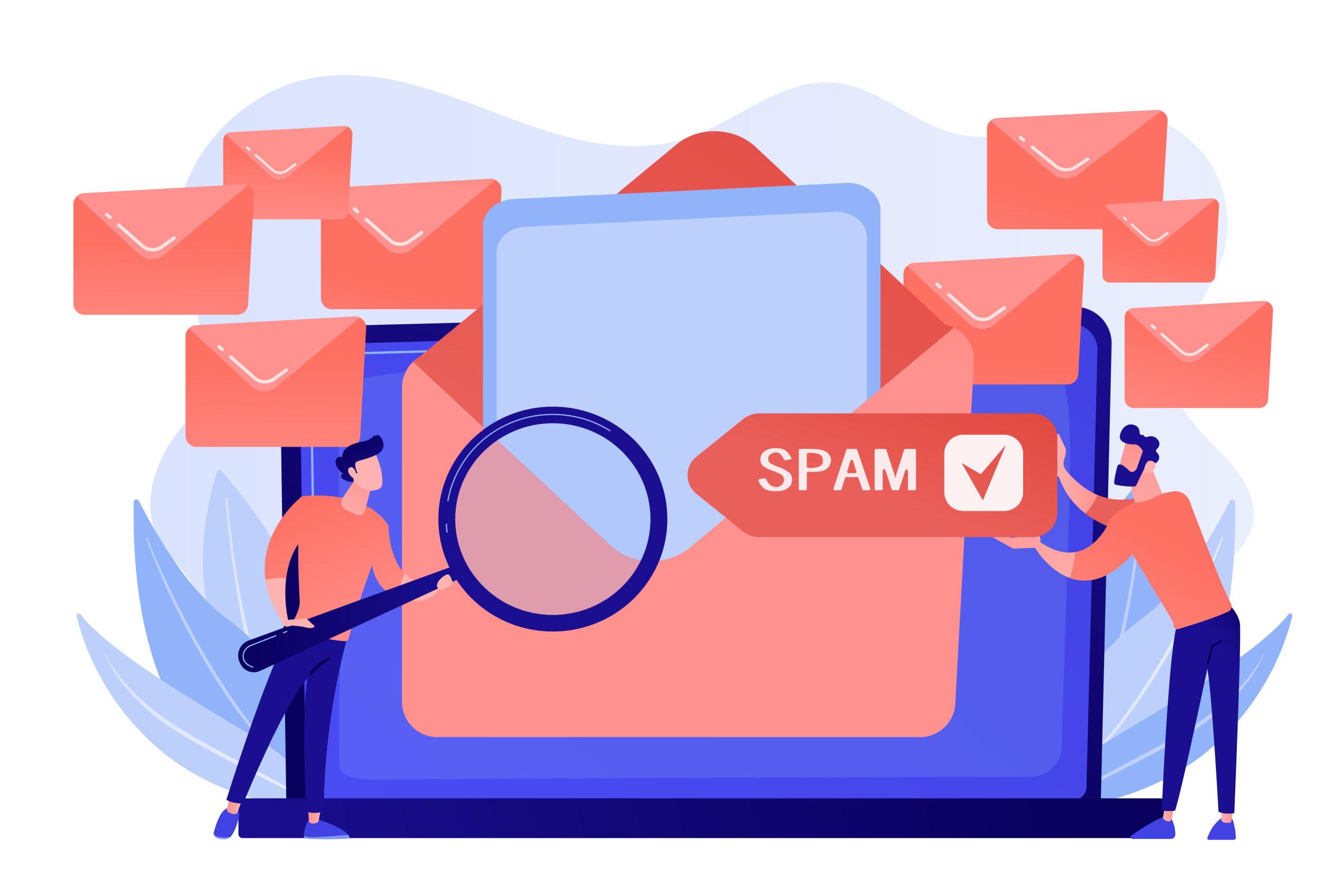
Common Reasons Bulk Emails Go to Spam
Before improving deliverability, you need to understand why bulk emails fail.
1. Poor Sender Reputation
Mailbox providers assign reputation scores to your sending domain and IP address. If your previous campaigns had high bounces, spam complaints, or low engagement, your reputation can decline.
Once reputation drops, even legitimate emails may start landing in spam.
2. Missing Email Authentication
Emails without proper SPF, DKIM, and DMARC records are more likely to be treated as suspicious. Authentication proves that your emails are authorized to be sent from your domain.
3. Sending Too Much Too Quickly
Sudden spikes in email volume can look suspicious. If a domain or IP starts sending thousands of emails without a proper sending history, mailbox providers may block or filter those messages.
This is why email warm-up is important. You can learn more about it through a proper email warm-up process.
4. Low-Quality Email Lists
Bulk campaigns sent to outdated, purchased, scraped, or unverified lists usually perform poorly. These lists often contain invalid emails, spam traps, and inactive users.
5. High Spam Complaint Rate
When recipients mark your email as spam, it sends a negative signal to mailbox providers. Too many complaints can seriously damage your sender reputation.
6. Weak Email Content
Spammy words, misleading subject lines, excessive links, poor formatting, and broken HTML can all reduce deliverability.
7. No Unsubscribe Option
Bulk emails must include a clear unsubscribe option. If users cannot easily opt out, they may report your email as spam instead.
How to Improve Email Deliverability for Bulk Campaigns
1. Use a Reliable SMTP Server
Your email infrastructure plays a major role in deliverability. A professional SMTP server helps handle high-volume sending, message routing, authentication, retries, bounce processing, and delivery monitoring.
A poor SMTP setup can cause delayed emails, failed deliveries, and reputation issues.
For bulk campaigns, businesses should use a dedicated and scalable SMTP server instead of relying on basic shared hosting mail servers. Shared servers are often not designed for high-volume sending and may already have poor IP reputation because of other users.
A reliable SMTP server helps you:
- Send high-volume campaigns more efficiently
- Improve delivery speed
- Reduce failed email attempts
- Manage bounce handling
- Maintain better sender control
- Support proper authentication records
Using the right SMTP infrastructure is one of the first steps toward improving bulk email deliverability.
2. Set Up SPF, DKIM, and DMARC
Email authentication is essential for bulk sending. It helps mailbox providers verify that your emails are legitimate.
The three most important authentication protocols are:
SPF: Confirms which mail servers are allowed to send emails for your domain.
DKIM: Adds a digital signature to your emails to prove they were not modified during delivery.
DMARC: Tells mailbox providers how to handle emails that fail SPF or DKIM checks.
Without these records, your emails may look suspicious even if they are legitimate.
A good authentication setup improves trust and reduces the chance of emails being rejected or sent to spam.
3. Warm Up Your Sending Domain and IP
If you are using a new domain, new IP, or new SMTP setup, do not start with large-volume campaigns immediately.
Mailbox providers need time to observe your sending behavior. A sudden jump from zero emails to thousands per day can trigger spam filters.
Email warm-up means gradually increasing your sending volume while maintaining good engagement and low bounce rates.
For example:
- Start with a small number of emails per day
- Send to your most engaged contacts first
- Increase volume slowly
- Monitor bounces and complaints
- Avoid sudden sending spikes
A structured warm-up strategy helps build sender reputation safely before running full-scale bulk campaigns.

4. Consider Using a Dedicated IP
For businesses sending regular bulk campaigns, a dedicated IP can provide better control over sender reputation.
With shared IPs, your deliverability may be affected by the behavior of other senders using the same IP. If another sender sends spam or receives many complaints, the shared IP reputation can suffer.
A dedicated IP gives your business its own sending identity. This allows you to build and protect your own IP reputation.
A dedicated IP is especially useful when:
- You send high email volumes
- You run frequent campaigns
- You need stronger reputation control
- You want predictable sending performance
- You have a clean and engaged email list
However, a dedicated IP must be warmed up properly. Sending too much too soon from a new dedicated IP can harm deliverability.
5. Keep Your Email List Clean
List quality is one of the biggest factors in bulk email deliverability.
Sending to invalid, inactive, or uninterested contacts increases bounce rates and spam complaints. This damages your domain and IP reputation.
To maintain a healthy list:
- Remove invalid email addresses
- Clean hard bounces immediately
- Suppress users who unsubscribe
- Remove inactive subscribers over time
- Avoid purchased or scraped lists
- Use double opt-in when possible
- Validate emails before sending campaigns
A smaller, engaged list is better than a large, poor-quality list.
6. Segment Your Audience
Sending the same email to everyone is not always effective. Segmentation allows you to send more relevant messages to different groups.
You can segment based on:
- Customer type
- Purchase history
- Location
- Engagement level
- Signup source
- Industry
- Interests
- Email activity
Segmented campaigns usually get better opens, clicks, and responses. Higher engagement tells mailbox providers that your emails are wanted, which can improve deliverability over time.
7. Send to Engaged Users First
When launching a bulk campaign, start with your most active subscribers.
These may include users who recently opened, clicked, purchased, replied, or interacted with your emails.
Sending to engaged users first can create positive engagement signals. After that, you can gradually expand to less active segments.
This approach is useful during:
- IP warm-up
- Domain warm-up
- New campaign launches
- Re-engagement campaigns
- Reputation recovery
Positive early engagement can help improve inbox placement.
8. Avoid Spam Trigger Content
Email content still matters. Even with strong infrastructure, poor content can reduce deliverability.
Avoid:
- Misleading subject lines
- Too many capital letters
- Excessive punctuation
- Overuse of promotional words
- Too many links
- URL shorteners
- Broken images
- Heavy image-only emails
- Poor HTML formatting
- Attachments in bulk emails
Your emails should look professional, clear, and relevant. Use a balanced mix of text and visuals, and make sure your message matches the subject line.
9. Use a Clear Sender Name and Email Address
Recipients are more likely to open emails from senders they recognize.
Use a consistent sender name and a professional domain-based email address.
For example:
Good:
updates@yourcompany.com
Poor:
yourcompany@gmail.com or random-looking sender addresses
Consistency helps build trust with both recipients and mailbox providers.
10. Make Unsubscribing Easy
A clear unsubscribe link is not just a compliance requirement. It also protects your sender reputation.
If users cannot find an unsubscribe option, they may mark your email as spam. Spam complaints are more harmful than unsubscribes.
Best practices include:
- Add an unsubscribe link in every marketing email
- Make the process simple
- Do not require login to unsubscribe
- Honor unsubscribe requests quickly
- Offer preference options if appropriate
It is better to lose an uninterested subscriber than to receive a spam complaint.
11. Monitor Bounce Rates
Bounces are failed email deliveries.
There are two main types:
Hard bounce: Permanent failure, usually because the email address does not exist.
Soft bounce: Temporary failure, such as a full inbox or temporary server issue.
High bounce rates indicate poor list quality and can damage reputation.
To reduce bounces:
- Verify emails before sending
- Remove hard bounces automatically
- Avoid old lists
- Monitor campaign reports
- Stop sending to repeated soft bounces
A healthy bounce rate is essential for maintaining strong deliverability.
12. Track Spam Complaints
Spam complaints are one of the strongest negative signals in email deliverability.
Common reasons for spam complaints include:
- User did not recognize the sender
- Email was irrelevant
- User never opted in
- Too many emails were sent
- Unsubscribe option was unclear
- Subject line was misleading
To reduce complaints, send only to permission-based lists, set clear expectations at signup, and avoid over-emailing your audience.
13. Maintain a Consistent Sending Schedule
Irregular sending patterns can affect deliverability.
For example, if you send no emails for months and then suddenly send 100,000 emails in one day, mailbox providers may treat the activity as suspicious.
A consistent sending schedule helps build trust.
Instead of sudden spikes, send campaigns at a controlled pace. For high-volume campaigns, use proper throttling and scheduling through your SMTP provider.
14. Monitor Domain and IP Reputation
Your domain and IP reputation are key deliverability signals.
You should regularly monitor:
- Bounce rates
- Open rates
- Click rates
- Spam complaints
- Unsubscribe rates
- Blocklist status
- Inbox placement
- Delivery errors
- SMTP logs
If you notice a sudden drop in open rates or increase in bounces, investigate immediately.
Deliverability problems are easier to fix early than after your domain or IP reputation is badly damaged.
15. Avoid Purchased Email Lists
Purchased lists are one of the fastest ways to damage deliverability.
These lists often include:
- Invalid email addresses
- Spam traps
- Uninterested users
- Outdated contacts
- People who never gave permission
Sending to purchased lists can result in high complaints, legal risks, and poor campaign performance.
For sustainable bulk email campaigns, build your own permission-based list through website forms, lead magnets, customer signups, webinars, and opt-in campaigns.
Technical Checklist for Better Bulk Email Deliverability
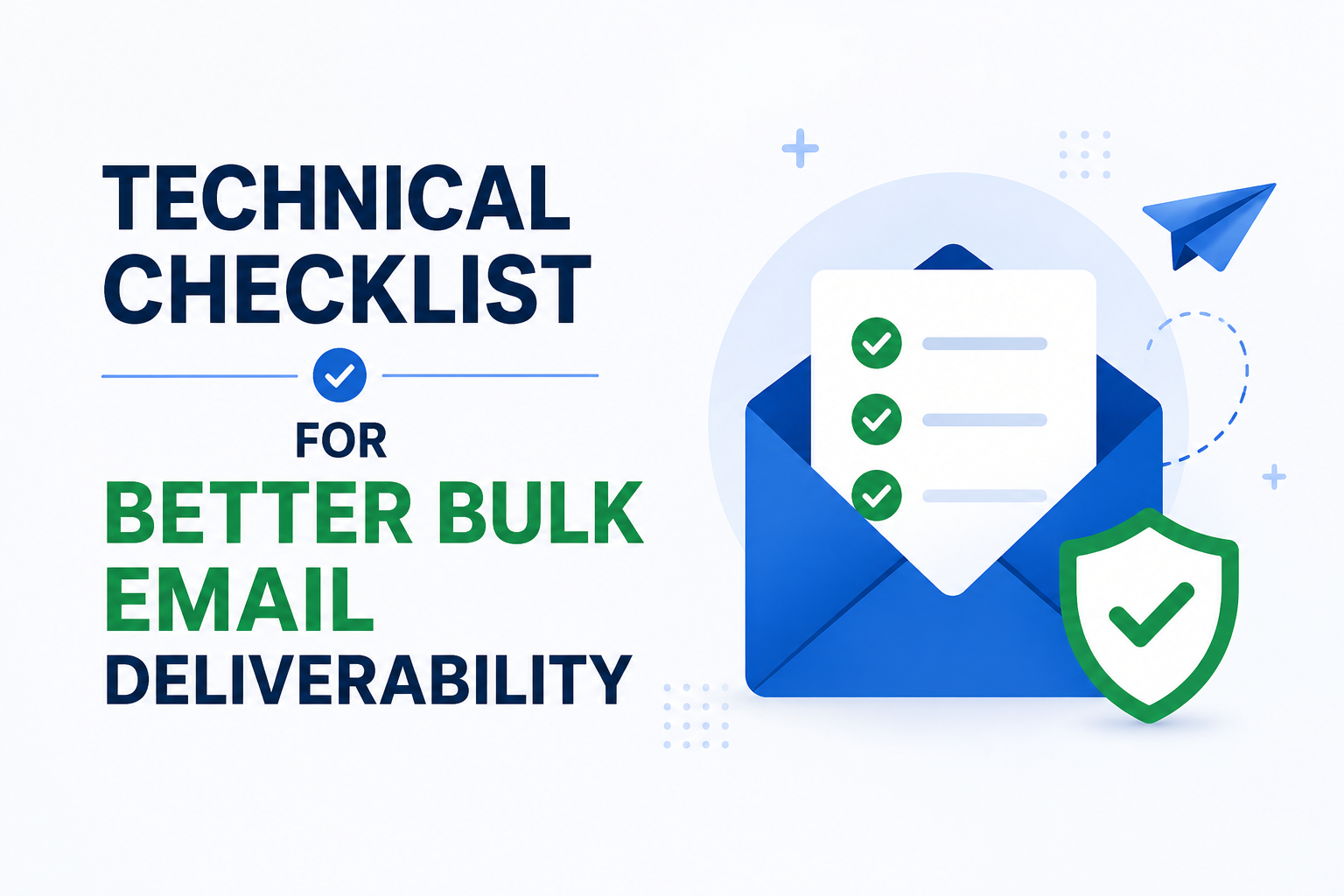
Before sending your next bulk campaign, check the following:
- SPF record is configured
- DKIM signing is enabled
- DMARC policy is active
- Sending domain is verified
- SMTP server is properly configured
- Dedicated IP is warmed up if used
- Email list is cleaned
- Hard bounces are removed
- Unsubscribe link is included
- Subject line is honest
- Email content is not spammy
- Sending volume is controlled
- Campaign is tested before launch
- Engagement metrics are monitored
This checklist can help reduce common deliverability issues before they affect your campaign.
Best Practices for Bulk Email Campaigns
To improve long-term deliverability, follow these best practices:
- Use permission-based email lists
- Send relevant content
- Personalize messages when possible
- Clean your list regularly
- Warm up new domains and IPs
- Avoid sudden volume spikes
- Use a trusted SMTP provider
- Monitor email performance
- Segment users based on engagement
- Remove inactive subscribers
- Keep authentication records updated
- Make unsubscribing simple
Bulk email success is not just about sending more emails. It is about sending the right emails through the right infrastructure to the right audience.
How SMTPProvider Helps Improve Bulk Email Deliverability
SMTPProvider helps businesses send bulk emails with reliable SMTP infrastructure, better sending control, and scalable email delivery support.
With SMTPProvider, businesses can manage bulk campaigns more professionally by using proper SMTP sending systems, dedicated IP options, warm-up support, and high-volume email infrastructure.
Whether you are sending marketing campaigns, transactional emails, newsletters, lead nurturing emails, or business notifications, SMTPProvider can help support better delivery performance and a more reliable sending process.
Conclusion
Improving email deliverability for bulk campaigns requires a combination of technical setup, sender reputation management, list hygiene, content quality, and consistent sending behavior.
To get better inbox placement, businesses should authenticate their emails, use a reliable SMTP server, warm up new sending systems, clean email lists, monitor engagement, and avoid spammy practices.
Strong deliverability does not happen by accident. It is built through responsible sending, professional infrastructure, and ongoing monitoring.
If your business sends bulk emails and wants better inbox performance, start with a trusted SMTP solution from SMTPProvider and build your campaigns on a deliverability-focused foundation.